> For the complete documentation index, see [llms.txt](https://documentation.commudle.com/llms.txt). Markdown versions of documentation pages are available by appending `.md` to page URLs; this page is available as [Markdown](https://documentation.commudle.com/smart-tips/how-to-increase-networking-in-your-events.md).
# How to increase networking in your Events
### Before the Event
* Event organizers can play an active role in increasing networking before the event starts
* Organizers may send emails to people they want to get registered for the event
* They can also post updates regularly about the event, which can spread the word about the event
### After the Event
* Networking can be done after the event by connecting with your fellow attendees
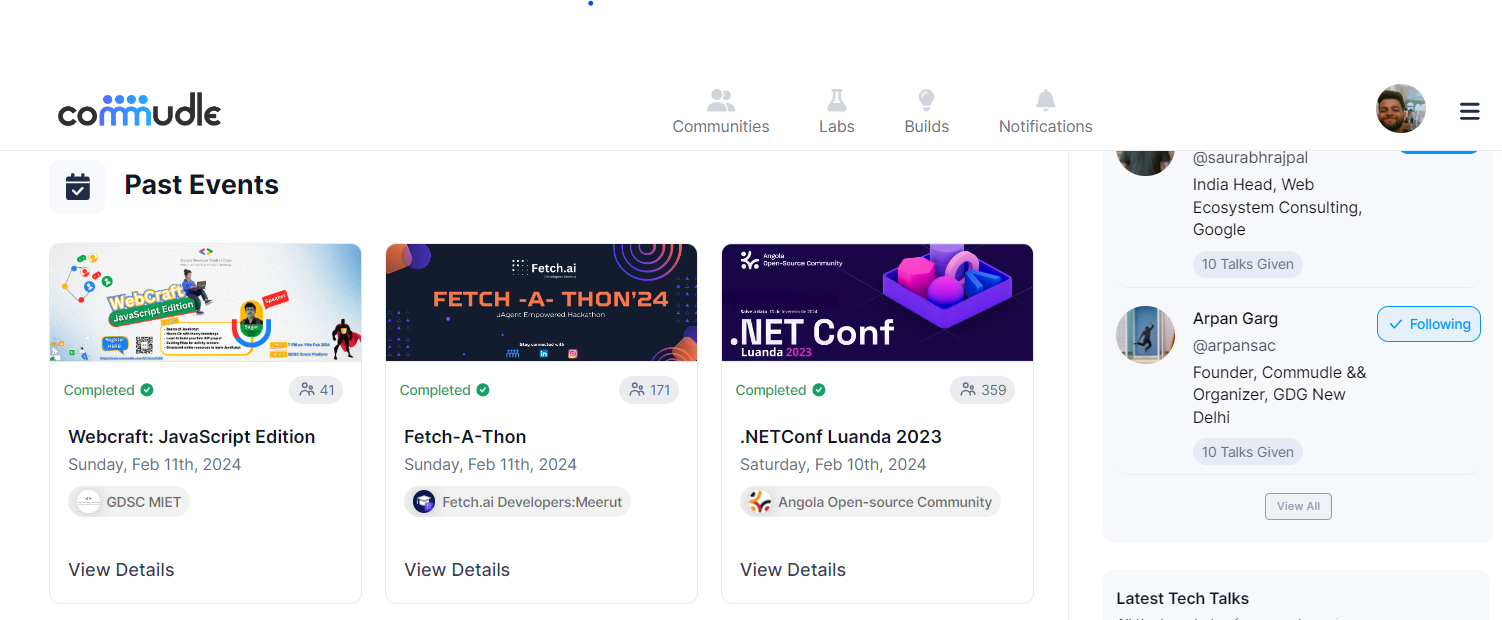
* Visit the events page on Commudle's page
* Scroll down to find the past events section on the page
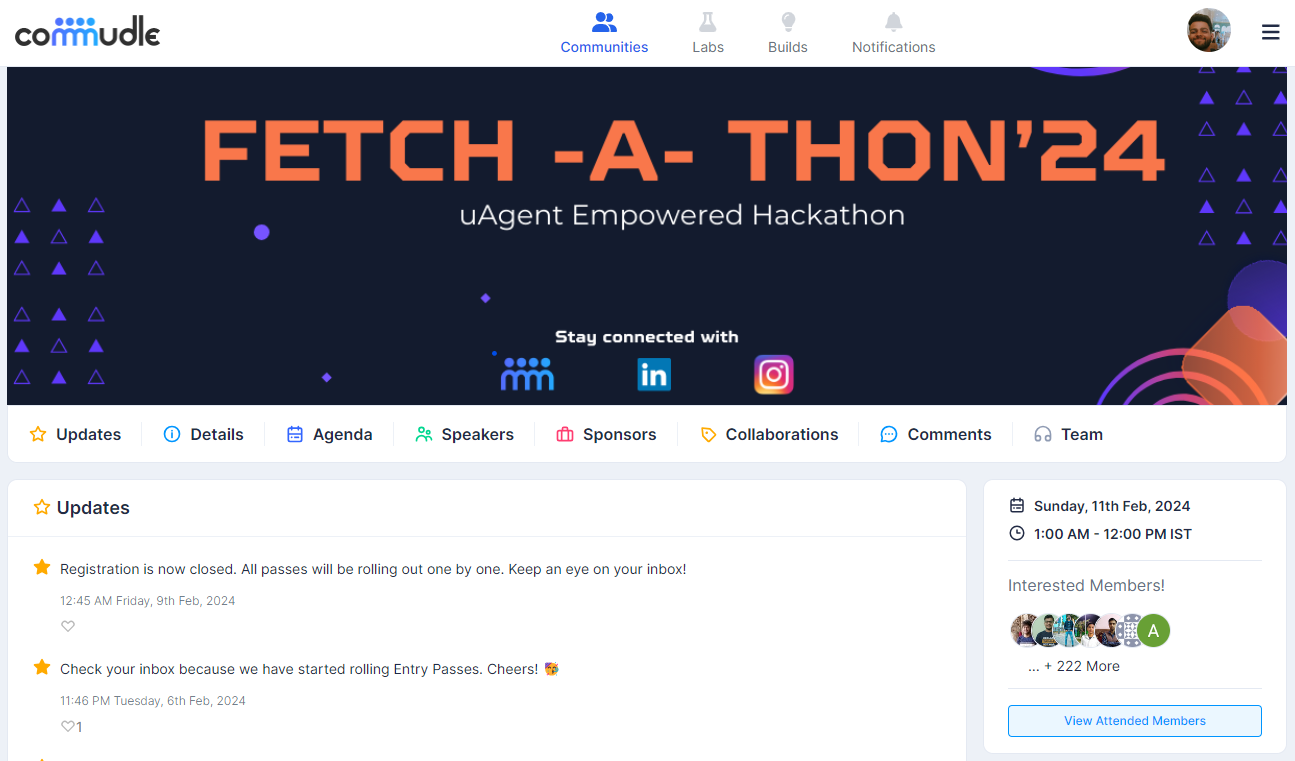
* Go the page of the completed event
* Click the **View Attended Members** button.
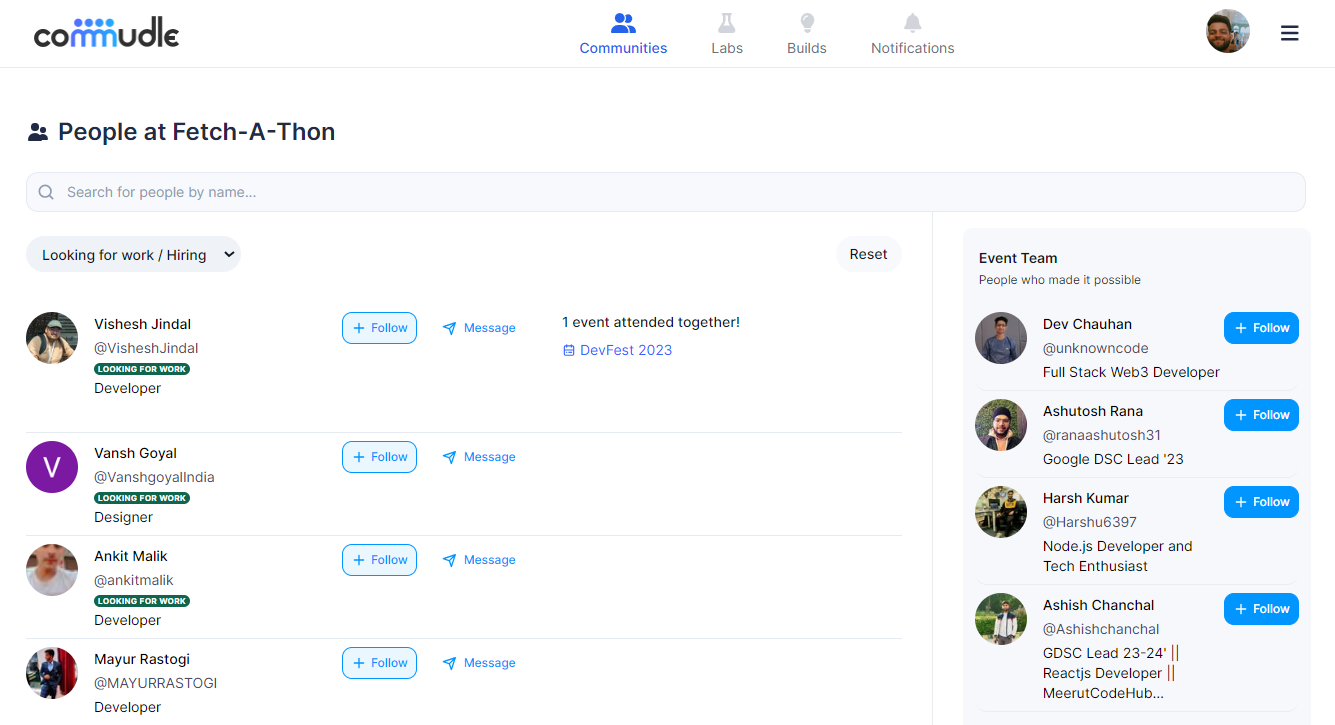
* After Clicking on the button, you will be directed to the list of attendees
* To connect with people, you can text them by clicking on the message button